
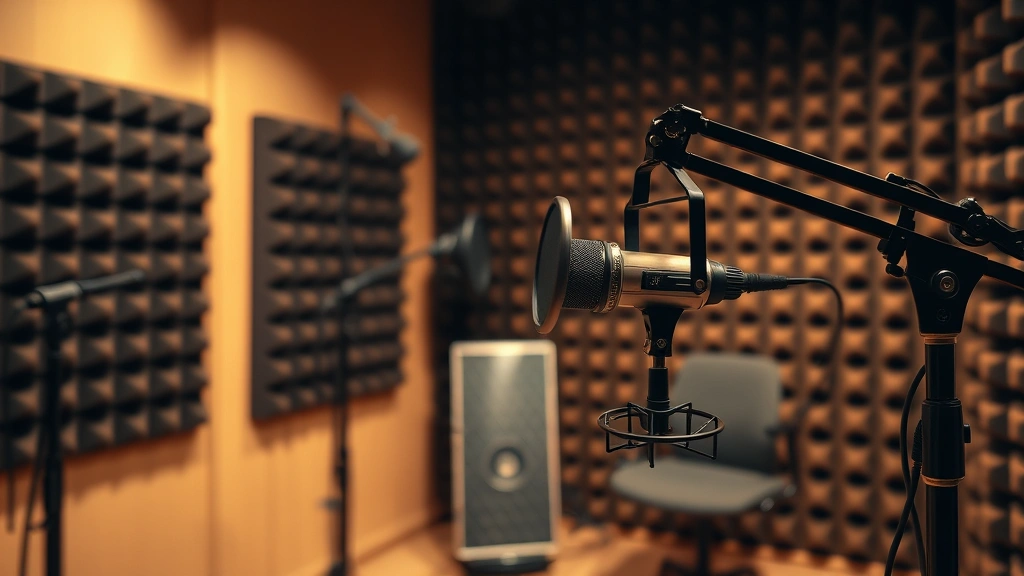
If you’re hunting for the perfect dog barking sound effect, you’ve landed in the right spot. Whether you’re editing a YouTube video, creating a podcast, designing a game, or just need some authentic canine chaos for your project, finding high-quality barking sounds shouldn’t require selling a kidney. Let me walk you through the best free resources that’ll have your audience thinking there’s actually a furry friend in your studio.
Table of Contents
- Why You Actually Need Quality Dog Barking Sound Effects
- Understanding Different Types of Dog Barking Sounds
- Top 5 Free Dog Barking Sound Effect Resources
- How to Choose the Right Barking Sound for Your Project
- Legal Considerations and Licensing
- Tips for Editing and Enhancing Your Downloaded Barks
- Alternative: Creating Your Own Barking Sound Effects
- Troubleshooting Common Barking Sound Issues
- Combining Barks for Maximum Impact
- Where to Find Breed-Specific Barking Sounds
- Mobile Apps for Quick Barking Sound Access
- Frequently Asked Questions
- Wrapping Up Your Dog Barking Sound Effect Search
Why You Actually Need Quality Dog Barking Sound Effects
Here’s the thing: not all barks are created equal. A chihuahua’s yap sounds nothing like a German Shepherd’s deep, authoritative woof. If you’re creating content that needs authenticity, slapping in a generic “woof woof” will make your audience cringe harder than watching someone use Comic Sans in 2024. Quality dog bark audio can elevate your project from “meh” to “wow, that’s professional.” Whether you’re a filmmaker, podcaster, or content creator, investing time in finding the right sound effect is worth every second.
Understanding Different Types of Dog Barking Sounds
Before diving into the download links, let’s talk variety. Dogs bark for different reasons, and each has its own acoustic signature. You’ve got alert barks (sharp and quick), aggressive barks (deep and sustained), playful barks (higher pitched and rhythmic), and distress barks (frantic and repetitive). A canine vocalization effect library worth its salt should include multiple variations. Think of it like spice racks—you wouldn’t use cayenne pepper when you need cinnamon, right?
Top 5 Free Dog Barking Sound Effect Resources
1. Freesound.org – The Goldmine
Freesound is like the Costco of sound effects. You’ll find thousands of dog barking recordings uploaded by audio enthusiasts worldwide. The beauty here is the tagging system—you can filter by breed type, barking intensity, even duration. Most uploads include detailed descriptions of what breed was recorded and under what circumstances. Create a free account, and you’re golden. The community ratings help you avoid the garbage recordings that sound like a robot having a seizure.
2. Zapsplat – Surprisingly Solid
Zapsplat offers completely free downloads without watermarks or registration requirements (though signing up gives you higher download limits). Their dog barking collection includes everything from single barks to extended sequences. The audio quality is consistently good, and they’ve got some specialized options like “dog barking in distance” which is clutch for background ambiance. No credit required, which is chef’s kiss for commercial projects.
3. BBC Sound Library – Broadcast Quality
The BBC doesn’t mess around. Their sound effects library is used by professionals worldwide, and yes, it’s free for personal and commercial use. Their dog vocalization samples are recorded with professional equipment, so you’re getting broadcast-quality audio. The selection isn’t massive, but what’s there is pristine. If you need that “official” sound, this is your move.
4. Pixabay – The Underrated Champion
Most people think Pixabay is just for images, but they’ve got a solid audio section too. Their dog barking effects are clean, well-organized, and completely free for commercial use. The collection is smaller than Freesound, but the curation is tight. Everything’s labeled clearly, so you’re not wasting time digging through 500 mediocre options.
5. OpenGameArt.org – Game Developers’ Secret Weapon
This one’s specifically designed for game and indie developers, but the resources work for any creator. The dog barking sounds here are optimized for looping and layering, making them perfect if you need to build complex soundscapes. The community is supportive, and most files come with detailed metadata about recording conditions and processing.
How to Choose the Right Barking Sound for Your Project
Not every barking sound works for every situation. A horror film needs something menacing and deep. A children’s animation needs something friendly and almost comedic. Consider your project’s tone, the breed context (if any), and the emotional response you want. Listen to multiple options before committing. Pro tip: layer different barks together to create something unique that stands out from every other video using the same stock sound.

Legal Considerations and Licensing
Here’s where people usually mess up. Just because something’s free doesn’t mean you can do whatever you want with it. Most free sound libraries require attribution (just credit the creator), while some allow commercial use without attribution. Always check the specific license for each file. Creative Commons licenses vary—CC0 means do whatever you want, while CC-BY means you must credit the creator. Reading the fine print takes five minutes and saves you from copyright strikes.
Tips for Editing and Enhancing Your Downloaded Barks
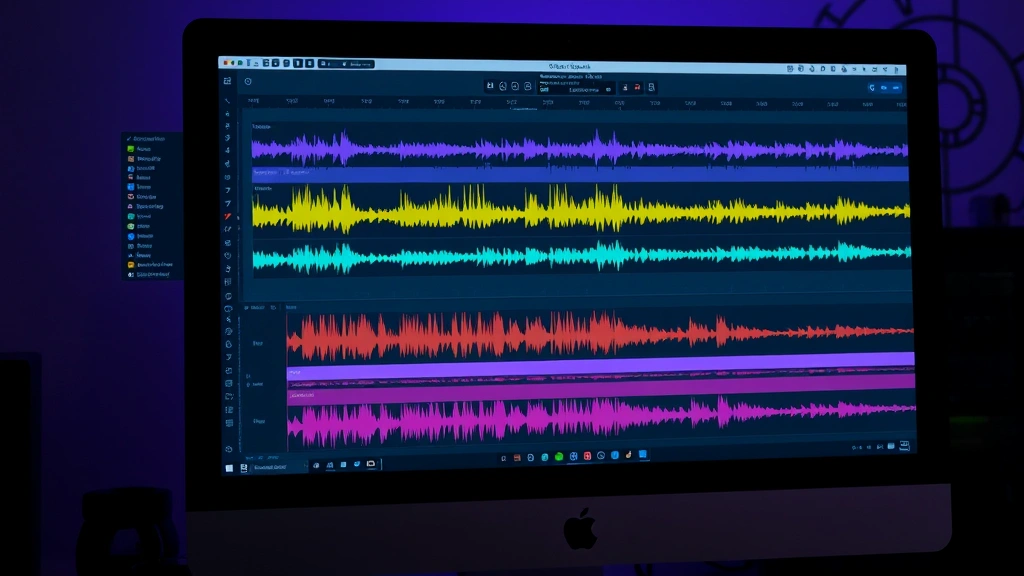
Downloaded sounds are great starting points, but raw audio often needs tweaking. Use free editing software like Audacity to adjust volume levels, add fade-ins/fade-outs, or layer multiple barks for depth. Want to make a bark sound more distant? Add reverb. Want it more aggressive? Boost the bass frequencies. A little post-processing transforms generic downloads into custom sounds that feel tailored to your project. You can also check out resources like the American Kennel Club to understand breed-specific vocalizations if you’re creating educational content.
Alternative: Creating Your Own Barking Sound Effects
If you’ve got access to actual dogs, recording your own barking sounds is surprisingly fun and yields unique results. You’ll get authentic audio that no one else has. Just use a decent microphone (even smartphone mics work in a pinch), record in a relatively quiet space, and experiment with different distances and angles. Your neighbor’s Coonhound might become your secret weapon. Speaking of which, if you’re interested in Coonhound dog breeds, they’re known for their distinctive baying sounds—great for specific project needs.
Troubleshooting Common Barking Sound Issues
Downloaded a bark that’s too quiet? Too echoey? Contains background noise? Don’t trash it immediately. Most issues are fixable with basic editing. Background hum? Use a noise gate. Too muffled? Equalize the frequencies. Timing off? Trim and adjust. Before you panic about finding a different file, spend ten minutes troubleshooting. You might be surprised what you can salvage.
Combining Barks for Maximum Impact
Professional sound designers layer multiple barks to create rich, complex soundscapes. A single bark can feel thin; three or four layered at slightly different volumes and frequencies? That sounds like an actual pack of dogs. Experiment with timing—overlap some barks, leave gaps in others, vary the pitch. This technique works whether you’re creating a horror atmosphere or a chaotic comedy scene.
Where to Find Breed-Specific Barking Sounds
Want a German Shepherd bark specifically? A tiny Chihuahua’s high-pitched yip? Most libraries let you filter by breed or at least describe the dog in the recording. Freesound’s tagging system is particularly helpful here. If you’re creating educational content about specific breeds, this specificity matters. For example, if you’re discussing Colorado Mountain Dog breeds and their protective instincts, having authentic barking samples adds credibility.
Mobile Apps for Quick Barking Sound Access
Not always at your desktop? Several apps let you browse and download barking sounds on the go. Freesound has a mobile app, as do several other libraries. Download a few options while you’re waiting for coffee, then use them when you’re back in editing mode. Convenience matters when inspiration strikes.
Frequently Asked Questions
Can I use free dog barking sound effects commercially?
Most free sound libraries allow commercial use, but always verify the specific license for each file. Some require attribution, others don’t. Check before uploading your project to YouTube, selling it, or using it in advertisements. The five seconds it takes to verify saves you from potential copyright issues.
What’s the difference between royalty-free and free?
Royalty-free means you pay once and can use it indefinitely without paying additional fees. Free means it costs nothing. Both can have restrictions regarding attribution and commercial use. Always read the license terms, as they vary significantly between platforms.
How do I make a downloaded bark sound more realistic?
Layer multiple barks, adjust the volume envelope to make it more dynamic, add subtle reverb to give it space, and vary the pitch slightly between layers. Even simple editing transforms generic sounds into something that feels authentic and professional.
Can I modify downloaded sound effects?
Usually yes, but check the license. Most Creative Commons licenses allow modification as long as you follow the attribution requirements. Some licenses restrict modifications. When in doubt, contact the creator—most sound designers are cool about it.
What software do I need to edit barking sounds?
Audacity is completely free and handles basic editing beautifully. For more advanced work, consider Reaper or Adobe Audition. Even your phone’s built-in voice memo app can do basic trimming in a pinch. You don’t need expensive software to create professional results.
Where can I find sound effects for anxious or stressed dog barking?
Freesound and Zapsplat both have tags for anxiety-related vocalizations. Search terms like “stressed dog,” “anxious bark,” or “distressed barking” yield specific results. If you’re creating content about dog anxiety and calming solutions, having authentic stressed barking adds educational value.
How many barking sounds should I keep in my library?
Start with 5-10 high-quality options covering different intensities and breed types. As you create more projects, you’ll naturally expand your collection. Quality over quantity always wins—one perfect bark beats fifty mediocre ones.
Wrapping Up Your Dog Barking Sound Effect Search
Finding the perfect dog barking sound effect doesn’t require spending money or settling for subpar audio. Between Freesound, Zapsplat, BBC Sound Library, Pixabay, and OpenGameArt, you’ve got access to thousands of high-quality options. The key is understanding your project’s needs, checking licenses carefully, and not being afraid to edit and layer sounds to create something unique. Whether you’re a filmmaker, podcaster, game developer, or content creator, these resources will elevate your audio game significantly. Start exploring, build your personal library, and soon you’ll have the perfect bark for every scenario. Your audience will notice the difference, even if they can’t quite put their finger on why your audio sounds more professional than other creators’ work.