
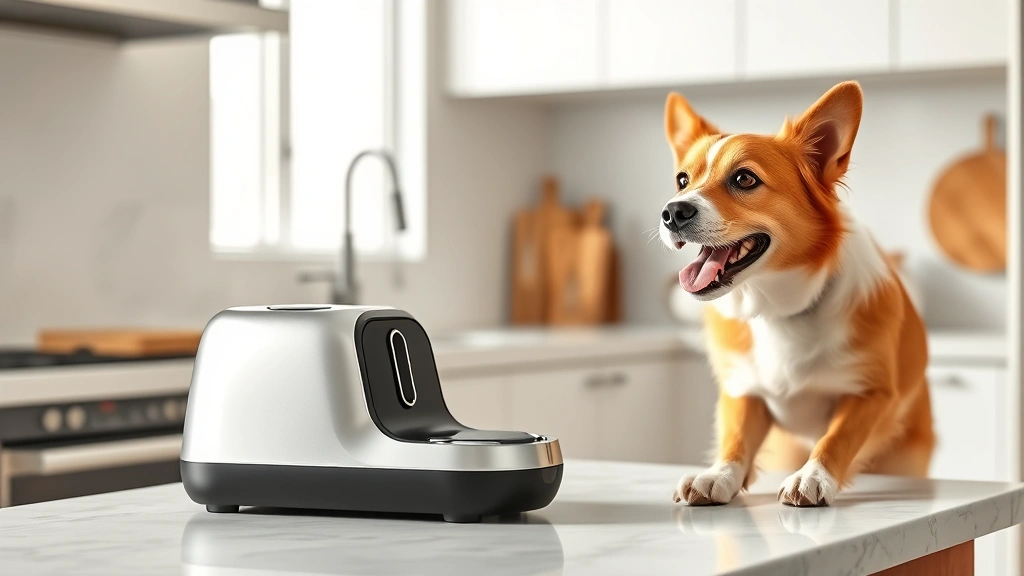
Smart feeder programming has revolutionized how we feed our furry friends, transforming mealtime from a daily chore into a seamlessly automated experience. Whether you’re juggling work, travel, or just want to ensure your pet eats at the perfect time, these intelligent devices are absolute game-changers. But here’s the thing—just buying a smart feeder isn’t enough. You need to actually know how to set it up properly, or you’ll end up with a hungry, confused pet and a frustrating piece of technology gathering dust in your kitchen.
Table of Contents
- Understanding Your Smart Feeder’s Core Features
- Tip #1: Start With Accurate Portion Sizing
- Tip #2: Master Your App’s Scheduling Functions
- Tip #3: Leverage Microchip Technology for Multi-Pet Households
- Tip #4: Integrate Supplement Delivery Into Your Programming
- Tip #5: Use Timed Feeding for Behavioral and Health Benefits
- Troubleshooting Common Smart Feeder Programming Issues
- Maximizing Your Smart Feeder’s Data Tracking Capabilities
- Advanced Programming: Creating Custom Feeding Plans
- Keeping Your Smart Feeder Secure and Hygienic
- Frequently Asked Questions
- Final Thoughts on Smart Feeder Programming
Understanding Your Smart Feeder’s Core Features
Before diving into programming, let’s talk about what makes these devices tick. Most modern smart feeders come equipped with WiFi connectivity, mobile app control, and scheduling capabilities that would make your calendar jealous. Some even feature portion control, which is absolutely crucial for pets prone to weight management issues. The beauty of automated pet feeding systems is that they eliminate guesswork—your pet gets the exact amount of food at the exact time, every single time. Think of it as having a robotic personal chef for your dog or cat.
Tip #1: Start With Accurate Portion Sizing
This is where most people mess up immediately. You can’t just eyeball portions and hope for the best. Your smart feeder’s programming depends entirely on accurate portion sizes, and getting this wrong means your pet could be overeating or undereating without you realizing it. Check your vet’s recommendations—they’ll tell you exactly how many calories and grams your pet needs daily. Then, divide that by the number of meals. If your 40-pound dog needs 1,200 calories and you’re feeding twice daily, that’s roughly 600 calories per meal. Your smart feeder should be programmed to dispense exactly that amount. Many pet owners find that weight management feeding strategies work best when combined with precise portion control through these devices.
Tip #2: Master Your App’s Scheduling Functions
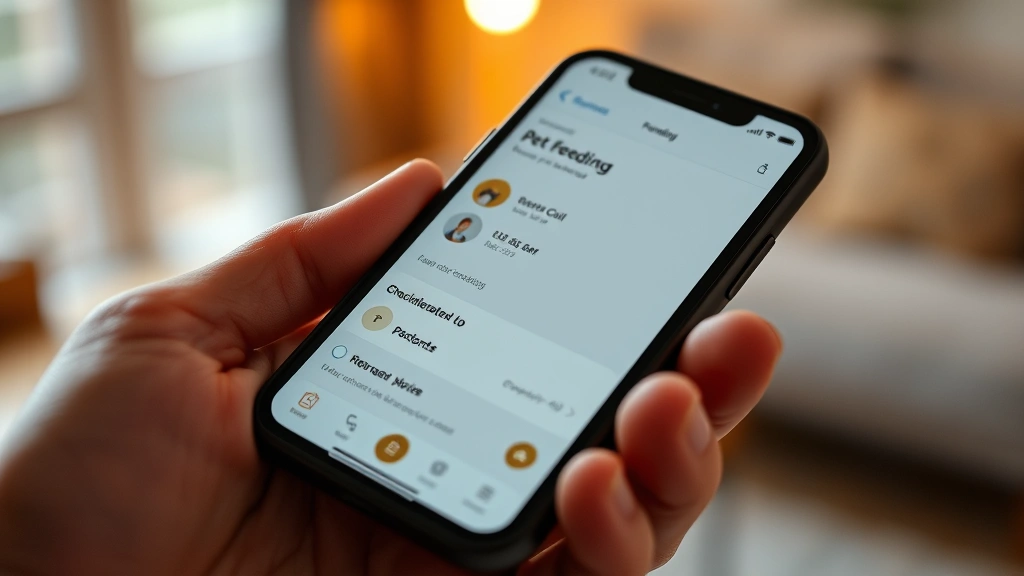
Here’s where smart feeder programming gets genuinely fun. Most apps let you set multiple feeding times throughout the day, and you can adjust portions for each feeding independently. Maybe your cat needs a lighter breakfast and a heavier dinner? Done. Your dog needs a midday snack to prevent separation anxiety? You got it. The key is consistency—set your schedule and stick with it. Your pet’s digestive system thrives on routine, and smart feeders excel at delivering exactly that. Pair this with pet meal frequency recommendations from your veterinarian for optimal results.
Tip #3: Leverage Microchip Technology for Multi-Pet Households
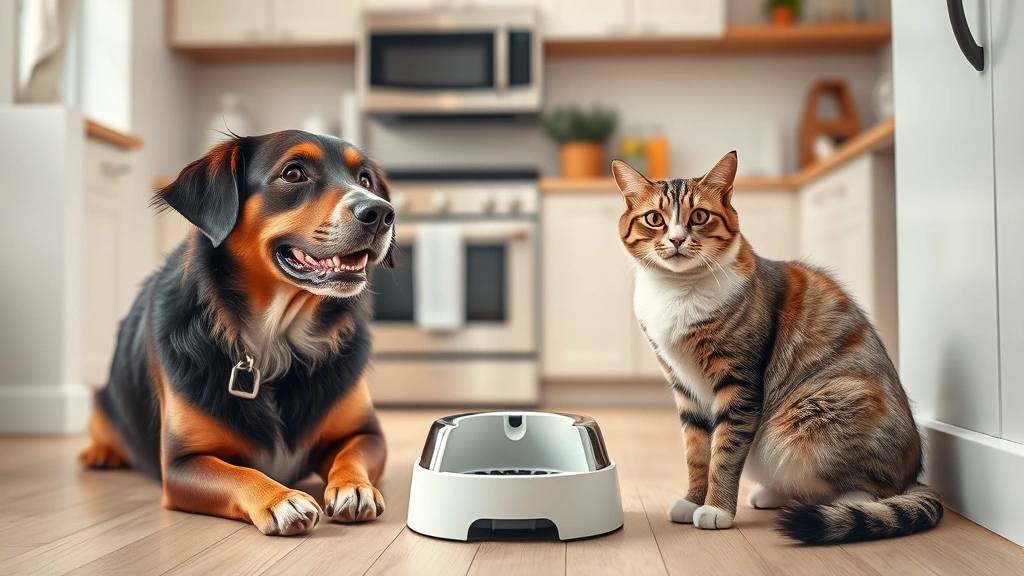
If you’ve got multiple pets with different dietary needs, this is your secret weapon. Microchip pet feeders use your pet’s unique ID to dispense the correct food only to the intended animal. This prevents your greedy golden retriever from stealing your cat’s prescription diet or your senior dog from eating the puppy’s high-calorie food. The programming is straightforward—just register each pet’s microchip in the app, set their individual portions and schedules, and let the feeder do the rest. It’s like having a bouncer at the food bowl.
Tip #4: Integrate Supplement Delivery Into Your Programming
Many modern smart feeders allow you to program separate compartments for different food types or supplements. If your pet needs joint support, probiotics, or omega-3 supplements mixed with their meals, you can set up automated delivery schedules for these too. This eliminates the daily hassle of remembering to add supplements and ensures consistency. Automatic pet supplement delivery through your feeder means nothing gets forgotten, and your pet gets comprehensive nutrition without any extra effort on your part.
Tip #5: Use Timed Feeding for Behavioral and Health Benefits
Smart feeder programming isn’t just about convenience—it’s about improving your pet’s overall well-being. Timed feeding for pets helps establish healthy digestion, prevents bloat in deep-chested breeds, and can even reduce anxiety in pets with separation issues. By programming consistent meal times, your pet knows exactly when to expect food, which creates a sense of security and predictability. This is particularly helpful for pets with behavioral issues or those recovering from health problems. Your vet might recommend specific timing for medication administration alongside meals, and smart feeders make this incredibly simple.
Troubleshooting Common Smart Feeder Programming Issues
Let’s be real—technology isn’t always perfect. If your feeder isn’t dispensing food, first check that the hopper is full and the food isn’t jammed. If portions are inconsistent, recalibrate the feeder according to manufacturer instructions. WiFi connectivity problems? Restart your router and the feeder. Most apps have a “test” function that lets you dispense food manually to verify everything’s working. If your pet is still acting hungry after programming, you might be underestimating their caloric needs—consult your vet and adjust accordingly. For finicky eater schedules, sometimes it helps to program smaller, more frequent meals rather than larger portions.
Maximizing Your Smart Feeder’s Data Tracking Capabilities
Here’s something most pet owners overlook: smart feeders collect valuable data about your pet’s eating habits. Many apps track when your pet actually eats, how much they consume, and even alert you if eating patterns change. This is genuinely useful information for your vet—sudden changes in appetite can indicate health issues. Keep an eye on these trends, and don’t hesitate to share this data with your veterinarian during check-ups. It’s like having a detailed food diary without any effort on your part.
Advanced Programming: Creating Custom Feeding Plans
Once you’re comfortable with basic programming, you can get creative. Some smart feeders let you create custom profiles for different situations—maybe a “travel mode” with adjusted portions, or a “recovery mode” for when your pet’s healing from surgery. You can also program seasonal adjustments if your pet’s activity level changes throughout the year. The flexibility here is genuinely impressive, and it means your feeder grows with your pet’s changing needs throughout their life.
Keeping Your Smart Feeder Secure and Hygienic
Programming is one thing, but maintenance is crucial. Clean your feeder’s bowl and hopper regularly to prevent bacterial growth and food spoilage. Update your app and feeder firmware regularly to maintain security and access new features. Use a strong password for your pet feeder account—yes, people actually hack pet devices, believe it or not. Store food in airtight containers to maintain freshness, and check expiration dates regularly. A clean feeder is a happy feeder, and a happy feeder means a healthy pet.
Frequently Asked Questions
Can I program different portion sizes for different times of day?
Absolutely! Most smart feeders let you set custom portion sizes for each meal throughout the day. This is perfect if your pet needs different amounts depending on activity level or if you’re adjusting portions during weight loss programs.
What happens if the power goes out during smart feeder programming?
Most smart feeders have backup power systems or retain your programming in local memory. However, it’s smart to keep a manual feeding backup plan just in case. Check your feeder’s specifications for battery backup duration.
Is smart feeder programming safe for all pet types?
Smart feeders work great for most dogs and cats, but they’re not ideal for very small animals or birds. Always check manufacturer recommendations for your specific pet type and age.
How do I know if my programming schedule is actually working?
Most apps show feeding logs and send notifications when meals are dispensed. You can also do manual tests through the app and observe your pet’s behavior over time. Consistency is key—your pet should show up at the bowl at the same time each day.
Can I adjust programming remotely if I’m away from home?
Yes! That’s one of the main benefits. Most apps let you adjust portions, add emergency feedings, or change schedules from anywhere with internet connection. It’s incredibly handy when plans change unexpectedly.
Final Thoughts on Smart Feeder Programming
Smart feeder programming transforms pet nutrition from a daily task into an automated system that works while you sleep, work, or travel. The key to success is starting with accurate portion sizes, understanding your app’s features, and maintaining consistency in your feeding schedule. Whether you’re managing a multi-pet household with microchip technology, implementing timed feeding strategies, or tracking your pet’s nutritional intake, these devices offer flexibility and peace of mind that traditional feeding simply can’t match. Take time to set things up correctly, monitor your pet’s response, and don’t hesitate to adjust your programming based on their individual needs and your vet’s recommendations. Your pet will thank you with better health, consistent energy levels, and maybe even fewer begging sessions at dinner time.